
Buying guides 8 picks
The best password managers in 2026
Bitwarden wins on audits, EU hosting and price, Proton Pass wins on Swiss jurisdiction, and two vendors in this list will not show you a price.
The short answer
Bitwarden
9.2 /10Anyone who wants audited open-source code, an EU hosting region and a free plan that is not crippled
Key takeaways
- Bitwarden is the best choice for most people at EUR 1.52 per month, because it is the only product with a dated audit history, an EU region, official self-hosting and a free plan without a device limit.
- Proton Pass advertises USD 1.99 but renews at USD 4.99, which is EUR 4.59 per month, so compare renewal prices and not launch prices.
- Dashlane and Keeper do not publish readable list prices on their own pricing pages, which is why both lose points here.
- NordPass limits its free plan to one active device at a time, so it is not a usable free password manager.
- The LastPass vaults were taken from a server backup, not by guessing master passwords, which is why key derivation settings and metadata handling decide this category.
Side by side
| Rank | Product | Score | From | Best for | Strengths | Weaknesses | More |
|---|---|---|---|---|---|---|---|
| 1 | Bitwarden | 9.2/10 | €1.52per user / month, billed annually, converted from USD 1.65 | Anyone who wants audited open-source code, an EU hosting region and a free plan that is not crippled | Dated audit history: Cure53 every year since 2018, plus IOActive, Mandiant and ETH Zurich cryptographers | The admin console is functional rather than pleasant | View all |
| 2 | Proton Pass | 8.7/10 | €4.59per user / month at the renewal rate, billed annually, converted from USD 4.99 | People who want Swiss jurisdiction and unlimited email aliases in the same subscription | Swiss jurisdiction and an open-source client | First-year pricing is less than half the renewal price, so the real cost is EUR 4.59 | View all |
| 3 | 1Password | 8.6/10 | €3.67per user / month, billed annually, regular list price, converted from USD 3.99 | Households and teams that will actually use the thing, because the apps are the best built here | Two-secret key derivation, so stolen server data alone cannot be cracked | No free plan at all | View all |
| 4 | KeePassXC | 8.2/10 | Free planfree and open source, GPLv3, no paid plan | Technical users who want no vendor server in the picture at all | No vendor-hosted vault, so there is nothing central to steal | You build your own sync, and you own the consequences | View all |
| 5 | Apple Passwords | 7.8/10 | Free planincluded with Apple devices, no separate charge | An all-Apple household that will otherwise keep using the notes app | Costs nothing and is already on the device | No Linux client and no native Windows app, only a browser extension through iCloud for Windows | View all |
| 6 | Keeper | 7.4/10 | €3.30per user / month, billed annually, converted from USD 42.99 per year | Regulated organisations that need FedRAMP High and a named hosting region | FedRAMP High, GovRAMP High and a FIPS 140-3 validated module | Consumer pricing is high for what a household gets | View all |
| 7 | NordPass | 6.6/10 | €1.23per user / month on a multi-year term, promotional rate, renews higher | A cheap paid plan if you accept a promotional multi-year commitment | XChaCha20 with Argon2 key derivation and a zero-knowledge model | The free plan is limited to one active device at a time | View all |
| 8 | Dashlane | 6.2/10 | Price on requestprice on request, Dashlane does not publish readable list prices | Enterprise buyers who want credential-risk detection more than a password vault | Argon2d key derivation, 3 iterations and 32 MB memory cost | Pricing pages show no prices at all, so the cheapest paid plan is price on request | View all |
Scroll the table sideways to see every column.
- From
- €1.52
- Best for
- Anyone who wants audited open-source code, an EU hosting region and a free plan that is not crippled
Our take
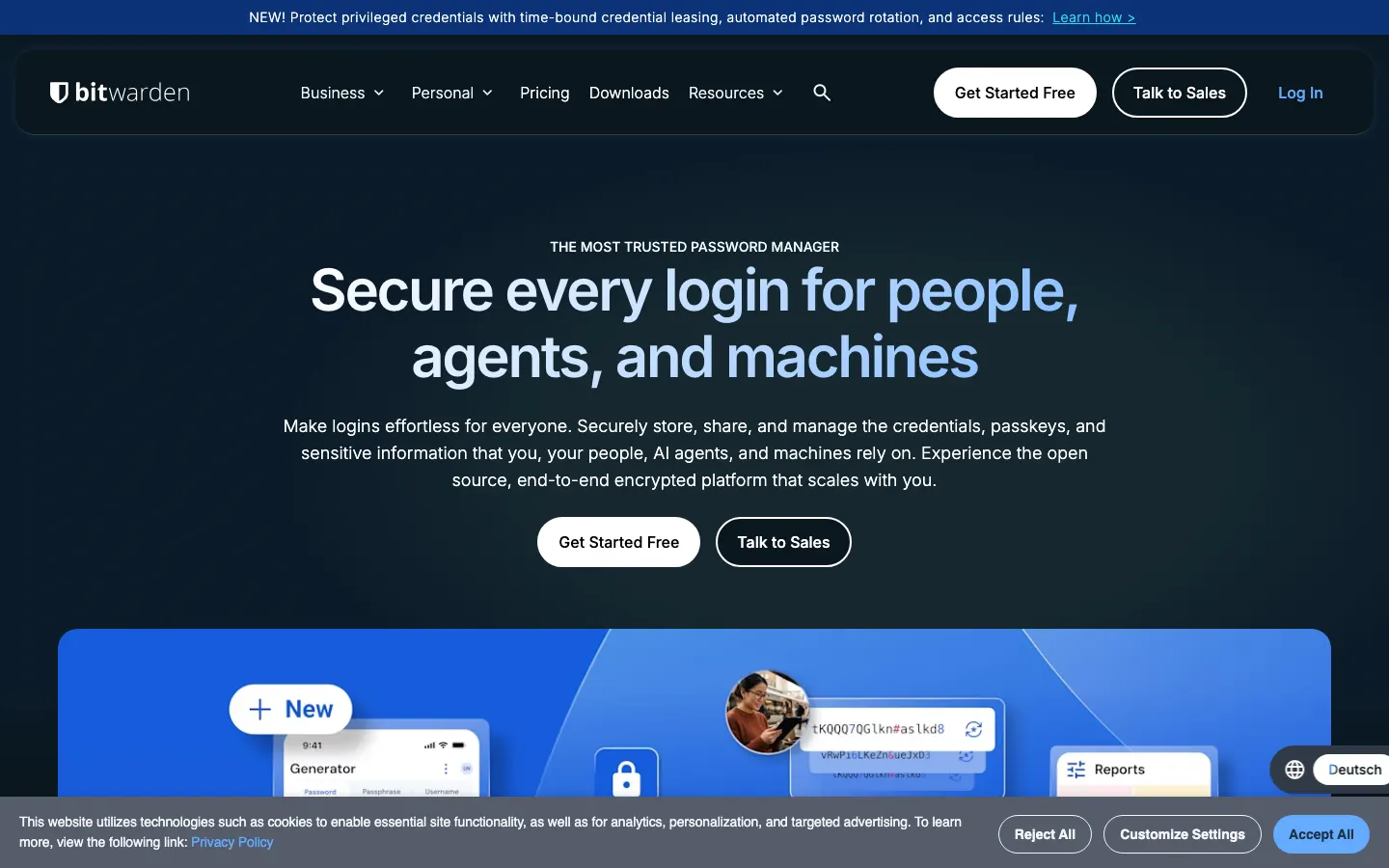
Bitwarden publishes a dated third-party audit list going back to 2018, defaults to PBKDF2-SHA256 with 600,000 iterations, lets you pick the EU region at signup, and still gives away unlimited passwords on unlimited devices. Premium costs EUR 1.52 per month and Families EUR 3.67 for six people, which is the cheapest credible family price in this list. Self-hosting is official on Enterprise. Nothing else combines all four.
Strengths
- Dated audit history: Cure53 every year since 2018, plus IOActive, Mandiant and ETH Zurich cryptographers
- EU or US hosting region, chosen at signup
- Free plan has no device limit and no password limit
- Official self-hosted server, plus SOC 2 Type 2 and ISO 27001
Weaknesses
- The admin console is functional rather than pleasant
- Vaultwarden, the popular lightweight server, is third-party and unsupported
- From
- €4.59
- Best for
- People who want Swiss jurisdiction and unlimited email aliases in the same subscription
Our take
Proton Pass is the only product here under Swiss law, its clients are open source, and Cure53 audited the mobile apps, extensions and API in May and June 2023 with the report published. The free plan is genuinely usable: unlimited logins, unlimited devices, passkeys and ten hide-my-email aliases. The catch is the renewal price. The headline USD 1.99 is a first-year rate and Pass Plus renews at USD 4.99 per month, which is EUR 4.59.
Strengths
- Swiss jurisdiction and an open-source client
- Cure53 audit from 2023 published in full
- Unlimited hide-my-email aliases on Pass Plus, which changes how you sign up for things
- Free plan includes passkeys and unlimited devices
Weaknesses
- First-year pricing is less than half the renewal price, so the real cost is EUR 4.59
- No self-hosting
- Business plans require a minimum of three seats
- From
- €3.67
- Best for
- Households and teams that will actually use the thing, because the apps are the best built here
Our take
1Password has the best interface in the category and a real cryptographic argument for it: two-secret key derivation means your 128-bit Secret Key is combined with your account password, so a server-side vault dump is useless without a file you hold. Individual is EUR 3.67 per month and Families EUR 5.51 for five people at list price. There is no free plan and no self-hosting, and the Teams Starter Pack forces a ten-seat minimum.
Strengths
- Two-secret key derivation, so stolen server data alone cannot be cracked
- AES-GCM-256 and Secure Remote Password authentication
- The polished apps and sharing flows that people keep using after week two
- Teams Starter Pack at EUR 2.29 per user if you have ten people
Weaknesses
- No free plan at all
- No self-hosting and no EU-only hosting commitment
- Teams Starter Pack requires ten seats minimum
- Promotional 25 percent first-year pricing makes the real cost easy to misread
- From
- Free plan
- Best for
- Technical users who want no vendor server in the picture at all
Our take
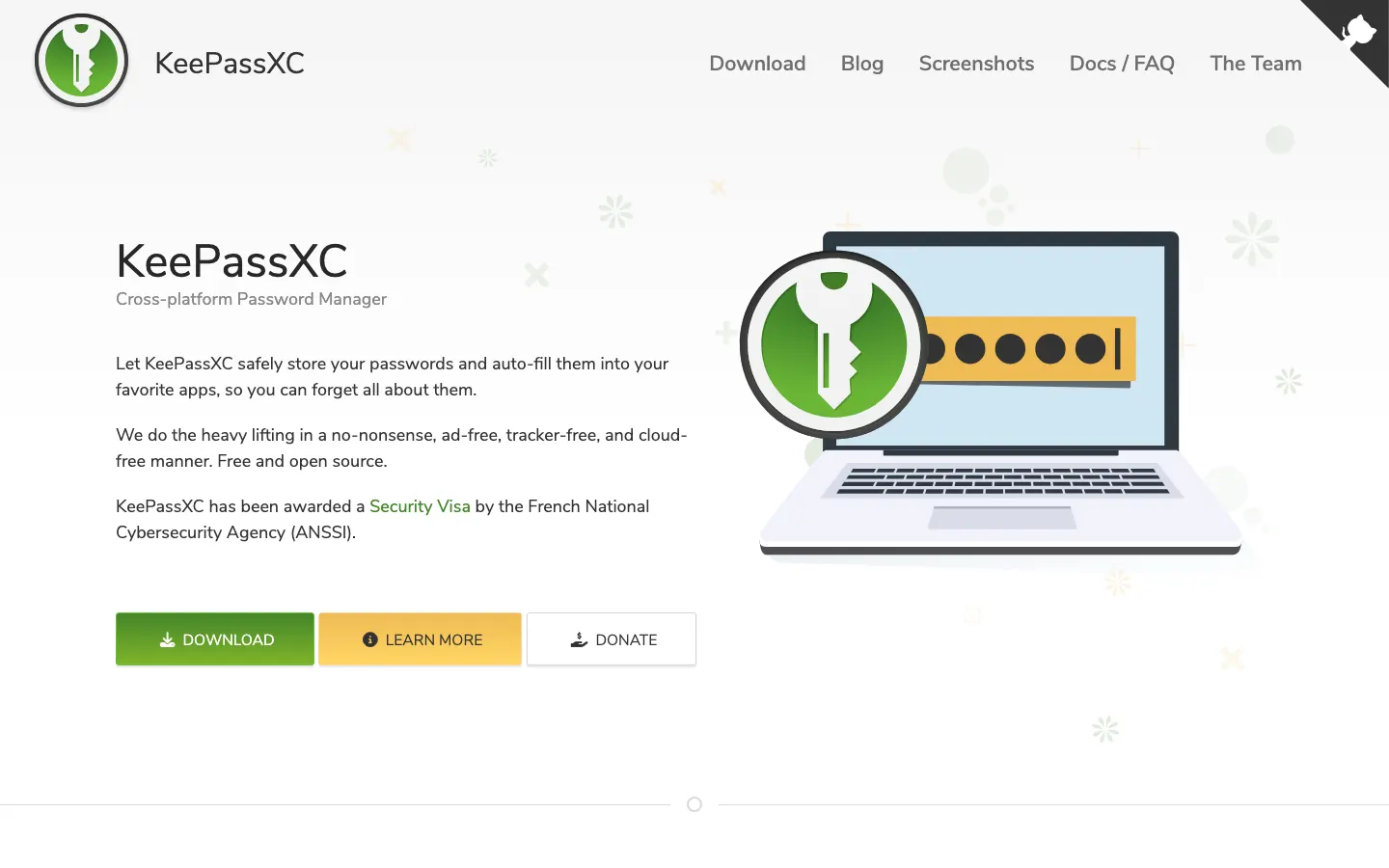
KeePassXC is a local KDBX database and a GPLv3 desktop app, which means there is no vendor account to breach, no subscription and no telemetry. Version 2.8.0 shipped on 21 October 2026, so it is actively maintained. The trade is that sync and mobile are your problem: you pair it with Nextcloud, Syncthing or iCloud Drive, and on phones you use third-party apps such as KeePassDX or Strongbox. If you do not want that work, pick something else.
Strengths
- No vendor-hosted vault, so there is nothing central to steal
- Free under GPLv3 with no account and no subscription
- KDBX 4 with AES-256 or ChaCha20 and Argon2 key derivation
- Still actively released, 2.8.0 on 21 October 2026
Weaknesses
- You build your own sync, and you own the consequences
- Official apps are desktop only, mobile is third-party
- No sharing for teams, no admin console, no recovery if you lose the key file
- From
- Free plan
- Best for
- An all-Apple household that will otherwise keep using the notes app
Our take
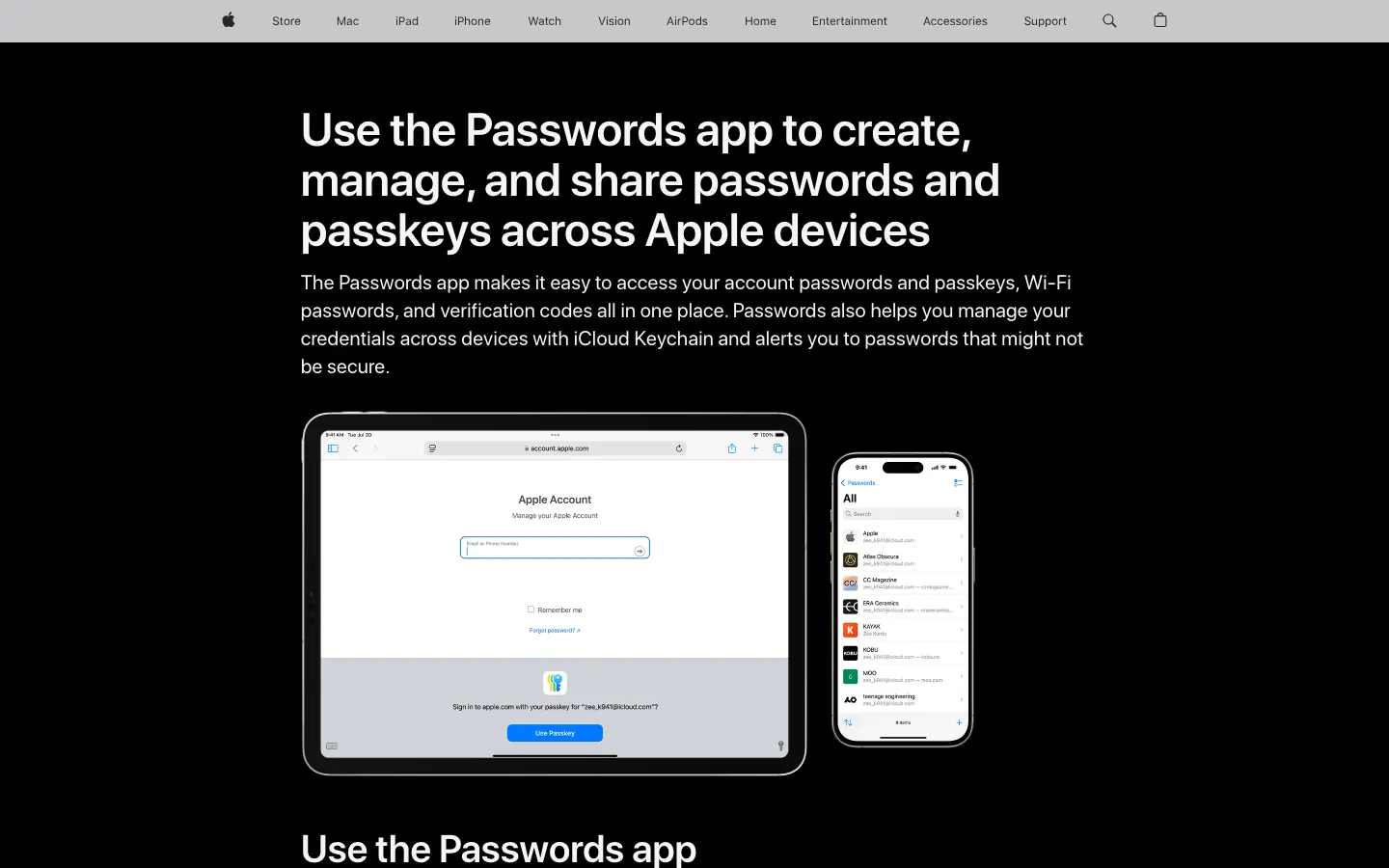
The Passwords app that shipped with iOS 18 and macOS Sequoia is free, already installed, and syncs through iCloud Keychain. It stores passwords, passkeys, verification codes and Wi-Fi credentials, and shared groups work for a family. It is a serious upgrade over a spreadsheet and a serious downgrade from Bitwarden if anyone in the house runs Windows or Linux, because on Windows you are limited to the iCloud Passwords browser extension and there is no native app.
Strengths
- Costs nothing and is already on the device
- System-level autofill and solid passkey support
- Shared groups cover a family without an extra subscription
- Verification codes and Wi-Fi passwords in the same place
Weaknesses
- No Linux client and no native Windows app, only a browser extension through iCloud for Windows
- No business administration, no team vaults, no self-hosting
- Apple publishes no independent third-party audit of this app
- Leaving the Apple ecosystem means an export and a migration
- From
- €3.30
- Best for
- Regulated organisations that need FedRAMP High and a named hosting region
Our take
Keeper is the compliance answer. It holds SOC 2 Type 2, ISO 27001, 27017 and 27018, FedRAMP High, GovRAMP High and a FIPS 140-3 validated module, derives keys with PBKDF2 at 1,000,000 iterations, and lets an organisation pin its tenant to the EU. For a household that is all irrelevant and the price is not competitive: Keeper Unlimited is USD 42.99 a year, which is EUR 3.30 a month, more than twice Bitwarden Premium.
Strengths
- FedRAMP High, GovRAMP High and a FIPS 140-3 validated module
- PBKDF2 at 1,000,000 iterations and record-level encryption
- Tenant can be pinned to the EU, or US, Australia, Japan or Canada
- Quarterly third-party penetration testing by NCC Group and CyberTest
Weaknesses
- Consumer pricing is high for what a household gets
- Business tier prices are not readable on the pricing page, so they are effectively price on request
- Add-ons for secrets management and remote access make the real bill hard to predict
- From
- €1.23
- Best for
- A cheap paid plan if you accept a promotional multi-year commitment
Our take
NordPass is cheap and technically sound, using XChaCha20 with Argon2 and a zero-knowledge model, and its own plans page quotes Premium from EUR 1.23 per month. Two things cost it points. The free plan allows one active device at a time, which makes it useless as a free password manager. And unlike Bitwarden or Proton, NordPass does not publish a dated audit report page, so the audit claim rests on secondary reporting rather than a document you can read.
Strengths
- XChaCha20 with Argon2 key derivation and a zero-knowledge model
- The lowest advertised paid price in this comparison
- Family plan covers six separate Premium vaults
- Clean, fast apps across all major platforms
Weaknesses
- The free plan is limited to one active device at a time
- No dated public audit report, only secondary reporting of a Cure53 engagement
- The headline price needs a multi-year commitment and renews higher
- No self-hosting and no documented EU-only hosting option
- From
- Price on request
- Best for
- Enterprise buyers who want credential-risk detection more than a password vault
Our take
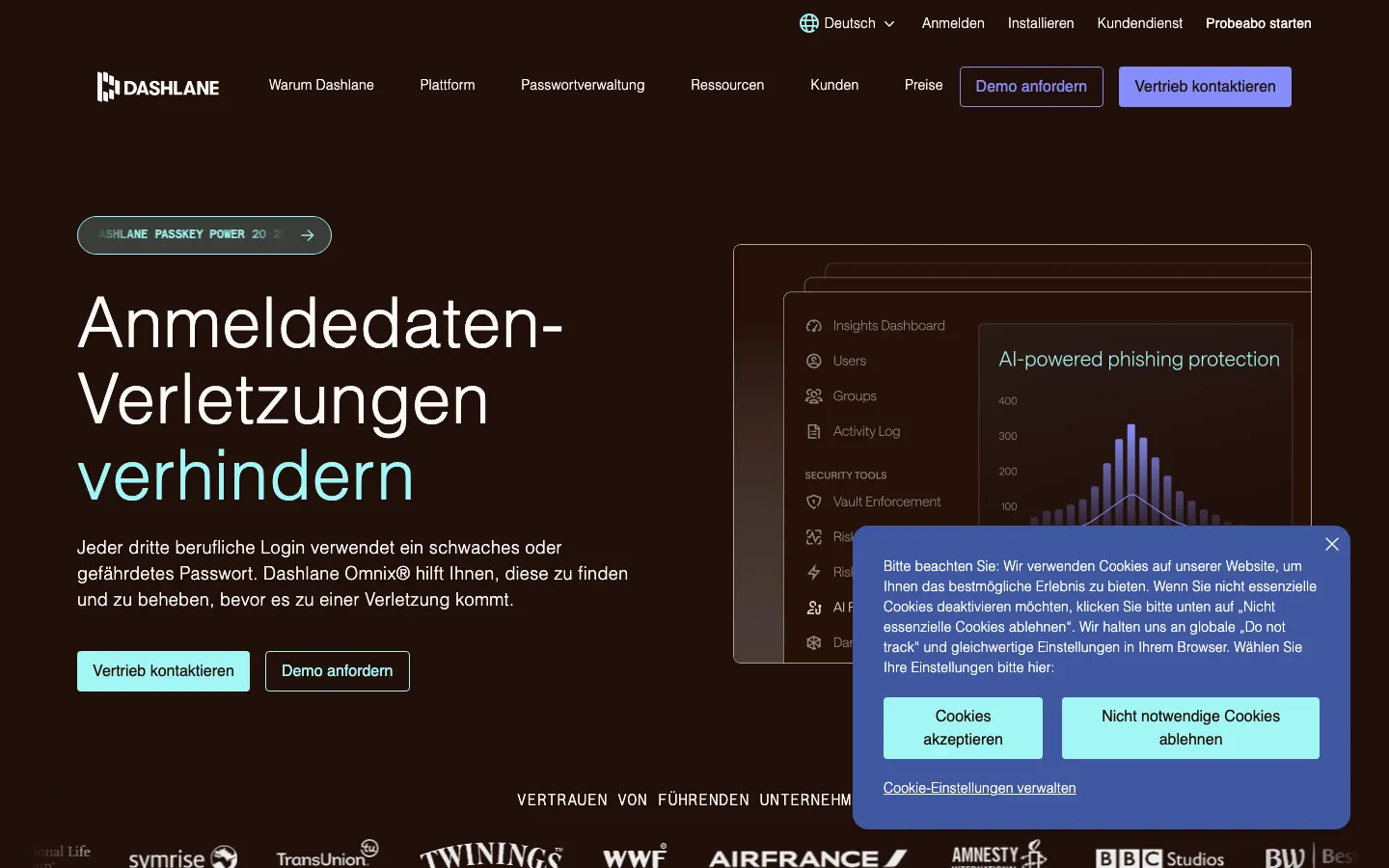
Dashlane's cryptography is modern, AES-256-CBC with HMAC and Argon2d at 3 iterations and 32 MB of memory, plus AWS Nitro Enclaves for sensitive operations, and it has moved upmarket toward credential-risk detection and phishing defence. It ranks last here for two reasons that have nothing to do with maths. Its own pricing pages render no prices, so a buyer cannot compare, and its security page names no audit firm and no audit year.
Strengths
- Argon2d key derivation, 3 iterations and 32 MB memory cost
- AWS Nitro Enclaves isolate sensitive cryptographic operations
- Credential-risk detection and phishing defence beyond a plain vault
- 14-day business trial without a sales call
Weaknesses
- Pricing pages show no prices at all, so the cheapest paid plan is price on request
- The security page names no auditing firm and no audit year
- The free personal plan is limited to a single device
- No self-hosting
Short answer
Bitwarden is the best password manager for most people in 2026, because it is the only product that combines a dated public audit history, an EU hosting region, official self-hosting and a free plan with no device limit, at EUR 1.52 per month for Premium. Proton Pass wins if you want Swiss jurisdiction and unlimited email aliases. 1Password wins if the apps have to be good enough that your family actually uses them. KeePassXC wins if you want no vendor server at all.
How we ranked these password managers
Eight criteria, in this order of weight.
Encryption and the zero-knowledge model. Everyone here claims zero knowledge. What separates them is the key derivation function and whether the vendor documents it. Bitwarden defaults to PBKDF2-SHA256 with 600,000 iterations and offers Argon2id at 32 MiB, 6 iterations and 4 threads. Keeper runs PBKDF2 at 1,000,000 iterations. Dashlane uses Argon2d with 3 iterations and 32 MB of memory. NordPass uses XChaCha20 with Argon2. 1Password uses PBKDF2-HMAC-SHA256 plus the thing nobody else has: two-secret key derivation, where a 128-bit Secret Key stored on your devices is combined with your account password.
Independent audits, with dates. A vendor saying "audited" is marketing. A vendor publishing which firm, which year and which component is evidence. Bitwarden publishes a per-year list: Cure53 in 2018, 2020, 2021, 2022, 2023 and 2025, plus IOActive on clients and SDKs in 2024, Mandiant on mobile, Unit 42 by Palo Alto Networks, Fracture Labs on web and network, and the Applied Cryptography Group at ETH Zurich on the cryptography itself. Proton published the full Cure53 report from its May and June 2023 assessment. Keeper documents quarterly penetration testing by NCC Group and CyberTest. Dashlane's security page names no firm and no year, and NordPass has no dated audit page at all.
Self-hosting. Only Bitwarden offers an official self-hosted server, on Enterprise. KeePassXC sidesteps the question by having no server. Vaultwarden, the lightweight unofficial Bitwarden-compatible server many people run, is third-party software Bitwarden does not support.
Passkey support. All eight store passkeys. What matters is whether you can also unlock the manager itself with a passkey, which Bitwarden and 1Password support, and whether passkeys work on the free tier, which Proton Pass allows.
EU or Swiss hosting. Bitwarden lets you pick the EU region at signup. Keeper lets an organisation pin its tenant to the EU. Proton is under Swiss jurisdiction, a different and in some ways stronger claim. The other four make no comparable public commitment.
Family and team pricing, breach history, and whether the price is readable at all. The first is detailed below. The second is not "has this vendor ever had an incident", which is meaningless, but "did customer vaults leave the building, and what did the vendor do next". The third cost two vendors here real points, because they publish no list prices on their own pricing pages.
1. Bitwarden: the best password manager for most people
EUR 1.52 per month for Premium, EUR 3.67 for Families with six people, EUR 3.68 per user for Teams, converted from the USD prices on Bitwarden's pricing page at 1 USD = 0.92 EUR.
The free plan is the honest one in this market: unlimited passwords, unlimited devices, and sharing with one other person. Nothing is gated to force an upgrade except file attachments, the built-in authenticator and vault health reports.
It ranks first because of the audit page. Bitwarden lists every third-party assessment by firm, year and component, and the 2025 round included ETH Zurich's Applied Cryptography Group reviewing the cryptography rather than just the app surface. Add SOC 2 Type 2, SOC 3, ISO 27001, the EU region and an official self-hosted server, and no competitor matches the combination at any price.
2. Proton Pass: best if you want Swiss jurisdiction
EUR 4.59 per month at the renewal rate, converted from USD 4.99. Read that sentence twice, because Proton advertises USD 1.99 and that is a first-year price.
What you get for it is unusual. Unlimited hide-my-email aliases change how you sign up for services: every site gets its own address, so a leak at one vendor cannot be correlated with your real inbox. Proton Pass clients are open source, the Cure53 report from 2023 is published in full, and the data sits under Swiss law rather than EU or US law.
The free plan is the second-best free plan here: unlimited logins, unlimited devices, passkeys included and ten aliases.
3. 1Password: best apps, no free plan
EUR 3.67 per month for Individual and EUR 5.51 for Families with five people, at list price, converted from USD 3.99 and USD 5.99. New customers see 25 percent off for the first year, which is why the price you remember is probably not the price you pay in year two.
The cryptography argument is real. With two-secret key derivation, an attacker who dumps 1Password's servers still needs the 128-bit Secret Key that only exists on your devices. That is precisely the attack that hurt LastPass customers.
Against that: no free plan, no self-hosting, no EU-only hosting commitment, and a Teams Starter Pack that is excellent value at EUR 2.29 per user but requires ten seats minimum. A five-person company pays the EUR 8.27 Business rate instead.
In October 2023, 1Password disclosed that its Okta tenant had been compromised through a stolen session cookie belonging to an IT employee. Its investigation concluded that no 1Password user data was accessed. That is a reminder that a password manager company is itself a target.
4. KeePassXC: best if you want no vendor server
Free, GPLv3, and version 2.8.0 shipped on 21 October 2026, so this is not an abandoned project.
KeePassXC is a local KDBX 4 database with AES-256 or ChaCha20 and Argon2 key derivation. There is no account, no subscription, no telemetry and no central vault for anyone to steal. The honest cost is that you build the sync yourself with Nextcloud, Syncthing, iCloud Drive or a USB stick, the official apps are desktop only, and on phones you rely on third-party clients such as KeePassDX or Strongbox. Lose your key file with no backup and the data is gone for good.
5. Apple Passwords: free, and enough for an all-Apple household
The standalone Passwords app arrived with iOS 18, iPadOS 18, macOS Sequoia and visionOS 2. It stores passwords, passkeys, verification codes and Wi-Fi credentials, syncs through iCloud Keychain, and supports shared groups for a family.
It is free, it is already installed, and for a household that would otherwise keep passwords in a note it is a large improvement. The limits are hard, though: no Linux client, no native Windows app (only the iCloud Passwords extension for Chrome and Edge through iCloud for Windows), no admin console, no team vaults, and no independent third-party audit of the app published by Apple.
6. Keeper: best for FedRAMP and regulated buyers
EUR 3.30 per month, converted from USD 42.99 per year for Keeper Unlimited, per Keeper's own knowledge base.
If your procurement form has a line for FedRAMP High, GovRAMP High or a FIPS 140-3 validated cryptographic module, Keeper is the answer and the rest of this list is not. PBKDF2 at 1,000,000 iterations, record-level encryption, SOC 2 Type 2 held for over a decade, ISO 27001, 27017 and 27018, quarterly penetration tests, and a tenant you can pin to the EU.
For a household, none of that applies and the price is twice Bitwarden's. The business tier prices are not readable on the pricing page, so budget for a sales conversation.
7. NordPass: cheap, with a free tier that is not usable
EUR 1.23 per month on a multi-year promotional term, per NordPass' own plans page, renewing higher.
The engineering is fine. XChaCha20 with Argon2 is a defensible modern choice, and the apps are fast and tidy. Two things hold it back. The free plan allows one active device at a time, so it cannot be recommended as a free password manager at all. And NordPass does not publish a dated audit report page the way Bitwarden and Proton do, which means the audit claim rests on secondary reporting rather than a document you can read yourself.
8. Dashlane: good cryptography, unreadable prices
Price on request, because Dashlane's own pricing pages render no prices.
The cryptography is modern: AES-256-CBC with HMAC, Argon2d at 3 iterations and 32 MB of memory, and AWS Nitro Enclaves isolating sensitive operations. The product has also moved upmarket into credential-risk detection and phishing defence, which is a reasonable strategy.
It still finishes last, for two reasons that are about transparency rather than engineering. A buyer cannot compare Dashlane on price, because the numbers are not on the page. And its security page names no auditing firm and no audit year, while four competitors name both.
What the LastPass breach actually proved
LastPass is not in this ranking, and it belongs in the article anyway, because it is the reason the criteria above are weighted the way they are.
In August 2022 an attacker stole credentials from a LastPass engineer and took source code and internal secrets. In a second, connected intrusion running from August to October 2022, the attacker used keys from a DevOps engineer's home machine to copy backups of customer vault data. LastPass disclosed on 22 December 2022 that customer vault data had been copied, including unencrypted fields such as site URLs alongside the encrypted usernames and passwords. Stolen vaults were later linked in public reporting to cryptocurrency thefts from people who had stored wallet seeds in them.
Three lessons, and all three are in the scoring above.
First, the server-side copy is the realistic threat, not someone guessing your master password. That is why 1Password's two-secret key derivation and Bitwarden's 600,000-iteration default matter: both raise the cost of an offline attack on a stolen vault.
Second, metadata is not harmless. The unencrypted URL fields told attackers exactly which vaults were worth attacking.
Third, a vendor's incident behaviour is part of the product. Compare the December 2022 drip-feed with 1Password's October 2023 disclosure, which named the vector, scoped the damage and listed the countermeasures.
For the full threat model, including what a password manager cannot protect you from, read are password managers safe.
Which password manager is hosted in the EU or Switzerland?
Three credible answers.
| Product | Region commitment | Where it is documented |
|---|---|---|
| Bitwarden | US or EU, chosen at signup | Vendor help page on data storage |
| Keeper | Tenant pinned to EU, US, Australia, Japan or Canada | Vendor security page |
| Proton Pass | Swiss jurisdiction | Vendor pricing and security pages |
| KeePassXC | Wherever your file is, there is no vendor server | Not applicable |
1Password, Dashlane, NordPass and Apple Passwords make no comparable public region commitment. For an EU company with a GDPR data-processing register to maintain, that is a real procurement difference, not a theoretical one.
What does a password manager cost for a family?
For six people, per month, converted at 1 USD = 0.92 EUR:
| Product | Family price | People | Price per person |
|---|---|---|---|
| Bitwarden Families | EUR 3.67 | 6 | EUR 0.61 |
| Proton Pass Family | EUR 6.43 at renewal | 6 | EUR 1.07 |
| 1Password Families | EUR 5.51 | 5 | EUR 1.10 |
| Keeper Family | EUR 7.05 | 5 | EUR 1.41 |
| Apple Passwords | EUR 0 | Apple devices only | EUR 0 |
Bitwarden Families at EUR 0.61 per person per month is the clear value answer. If everyone in the household is on Apple hardware and nobody touches Windows or Linux, Apple Passwords at zero is a defensible choice, and switching later is an export away.
What does a password manager cost for a team of five?
This is where the ranking flips, because minimum seat counts bite.
- Bitwarden Teams: EUR 3.68 per user per month, no minimum. Five people, EUR 18.40 a month.
- Proton Pass Essentials: EUR 1.83 per user per month, three-seat minimum. Five people, EUR 9.15 a month.
- 1Password Business: EUR 8.27 per user per month. Five people, EUR 41.35 a month. The EUR 2.29 Teams Starter Pack needs ten seats, so a team of five cannot use it.
- Keeper Business Starter: covers 5 to 10 users, price on request.
- Dashlane: price on request.
For five people who want an EU region, Proton Pass Essentials is the cheapest credible option and Bitwarden Teams is the one with the audit trail. 1Password Business is more than four times the Proton price, and you are paying for interface quality and the two-secret key model.
How do you switch password managers without losing anything?
Export, import, verify, then delete. Export the old vault to CSV, import it, then compare the item count in both vaults before you trust the new one, because importers silently drop entries with unusual characters. Delete the export file afterwards, it is a plaintext copy of every credential you own. Then close the old account and rotate what matters: email, bank, domain registrar, cloud provider, the manager itself.
If you are weighing the two most-compared options specifically, we put them head to head in 1Password vs Bitwarden, and the full Bitwarden profile with every pricing tier is at Bitwarden.
Vendors: if you publish a password manager and we have a fact wrong, or your pricing changed since 11 November 2026, send us the primary source through get listed and we will correct the page with a dated note.
Weekly, Thursday morning, Central European Time.
The Thinking briefing
One email a week: what changed in European business software, which prices moved, and which comparison we published. No sales mail.
Questions and answers
Is a free password manager safe enough?
Which password manager is hosted in the EU?
Should I use the password manager built into my browser?
Do password managers support passkeys now?
Sources
- [1] Bitwarden pricing accessed 2026-11-11
- [2] Bitwarden KDF algorithms and defaults accessed 2026-11-11
- [3] Is Bitwarden audited? accessed 2026-11-11
- [4] Bitwarden data storage, US or EU region accessed 2026-11-11
- [5] 1Password personal pricing, USD converted at 1 USD = 0.92 EUR accessed 2026-11-11
- [6] 1Password business pricing accessed 2026-11-11
- [7] About 1Password security, two-secret key derivation accessed 2026-11-11
- [8] 1Password discloses security incident linked to Okta breach, BleepingComputer, October 2023 accessed 2026-11-11
- [9] Proton Pass pricing, USD converted at 1 USD = 0.92 EUR accessed 2026-11-11
- [10] Proton Pass for Business pricing accessed 2026-11-11
- [11] Proton Pass is open source and audited for security, Cure53 May and June 2023 accessed 2026-11-11
- [12] Dashlane business pricing, list prices not published on the page accessed 2026-11-11
- [13] Dashlane security, AES-256-CBC-HMAC and Argon2d accessed 2026-11-11
- [14] KeePassXC, free and open source under GPLv3 accessed 2026-11-11
- [15] KeePassXC releases, version 2.8.0 published 21 October 2026 accessed 2026-11-11
- [16] NordPass free and premium plans, EUR prices from the vendor accessed 2026-11-11
- [17] How much is Keeper? Keeper knowledge base, updated 1 April 2026 accessed 2026-11-11
- [18] Keeper security model, PBKDF2 1,000,000 iterations, FedRAMP High, regional hosting accessed 2026-11-11
- [19] Get started with Passwords on iPhone, iPad, Mac and Apple Vision Pro accessed 2026-11-11
- [20] 2022 LastPass data breach, timeline and disclosures accessed 2026-11-11