

Software profile Security
Apple Passwords
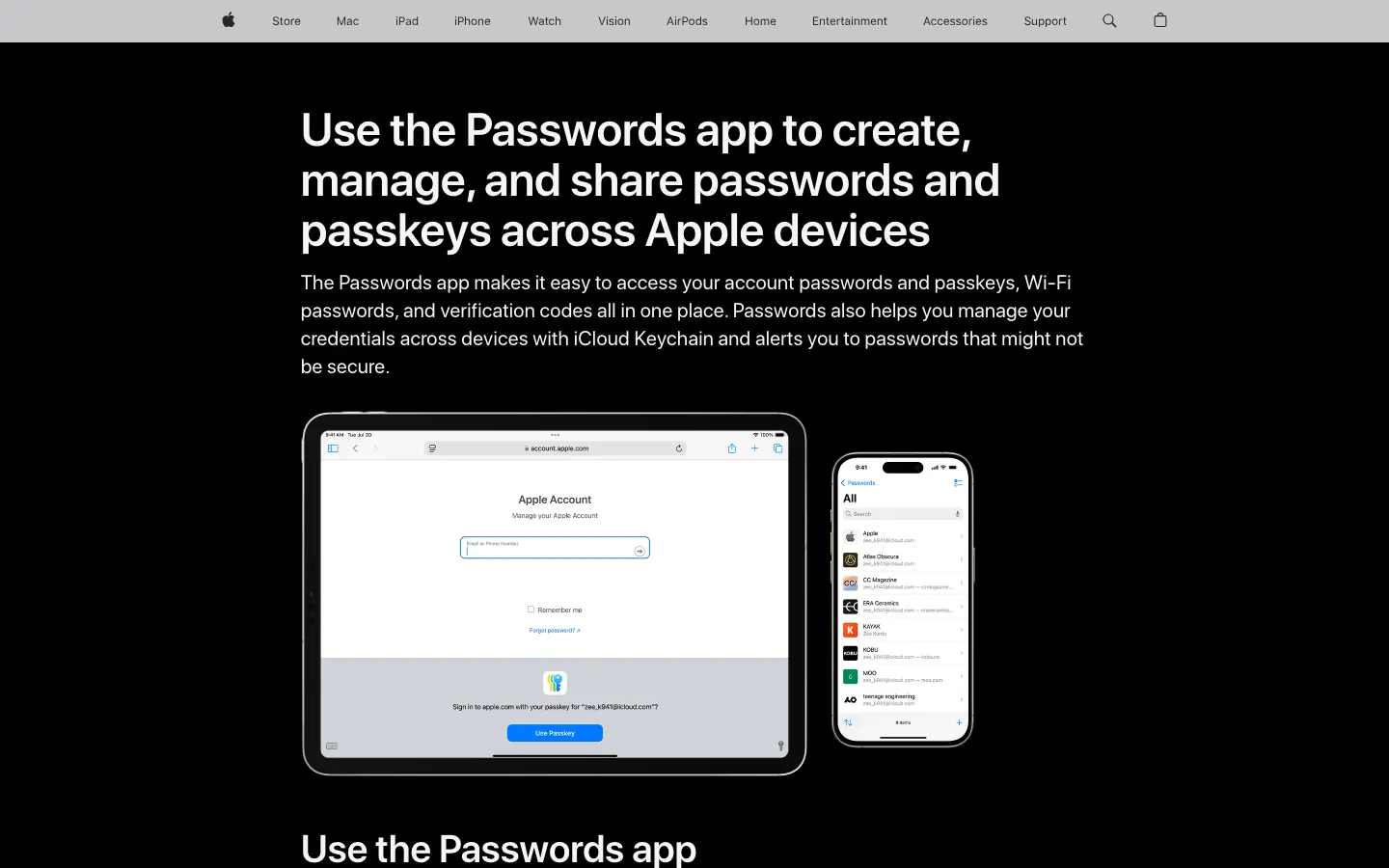
Apple Passwords is the standalone credential app that shipped with iOS 18, iPadOS 18, macOS Sequoia and visionOS 2, syncing through iCloud Keychain at no extra cost. It fits an all-Apple household that would otherwise keep passwords in a note.
- From
- Free plan
- Free plan
- Yes
- Trial
- No
Visit the vendor site
Opens the vendor site in a new tab
Editorial score
7.8
/10
Best for
All-Apple households that want system-level autofill without a subscription
Strengths / Weaknesses
Strengths
- No cost and already installed on the device
- Stores passwords, passkeys, verification codes and Wi-Fi credentials
- System-level autofill across apps and Safari
- Shared groups cover a family without an extra subscription
Weaknesses
- No Linux client and no native Windows app, only the iCloud Passwords browser extension
- No admin console, no team vaults, no self-hosting
- Apple publishes no independent third-party audit of this app
- Leaving the Apple ecosystem requires an export and a migration
Pricing
| Plan | Price | Unit | Note |
|---|---|---|---|
| Included with iOS, iPadOS, macOS and visionOS | Price on request | per user | no separate subscription, syncs through iCloud Keychain |
Scroll the table sideways to see every column.
Verdict
A legitimate choice for a household entirely on Apple hardware, and a poor one for anybody else. It is free, already there, and handles passkeys well, which beats a spreadsheet by a wide margin. The moment a Windows or Linux machine enters the house, or you need shared team vaults, it stops being enough.
Other Security software

Where we write about it
Where these numbers come from
- [1] Get started with Passwords on iPhone, iPad, Mac and Apple Vision Pro, Apple Support accessed 2026-11-11