
Categories
Security tooling, explained
Security spending pays off in a fixed order: credentials first, then patching, then a tested backup, then the evidence an incident will demand, which is why this category starts with a password manager and not a dashboard.
On this page
What security tooling actually buys you
Security tooling is worth what it removes, and for a small or mid-sized European company the order of removal is unusually predictable: credential reuse first, then unpatched software, then an untested backup, then the paperwork an incident will demand. That is why this category starts with a password manager rather than a dashboard. A manager plus multi-factor authentication deletes the attack that actually empties accounts, one leaked list replayed against a hundred services, for a few euros per person per month. Everything above that layer is more expensive, harder to operate and only worth buying once the cheap layer is in place.
The four kinds of product in this category
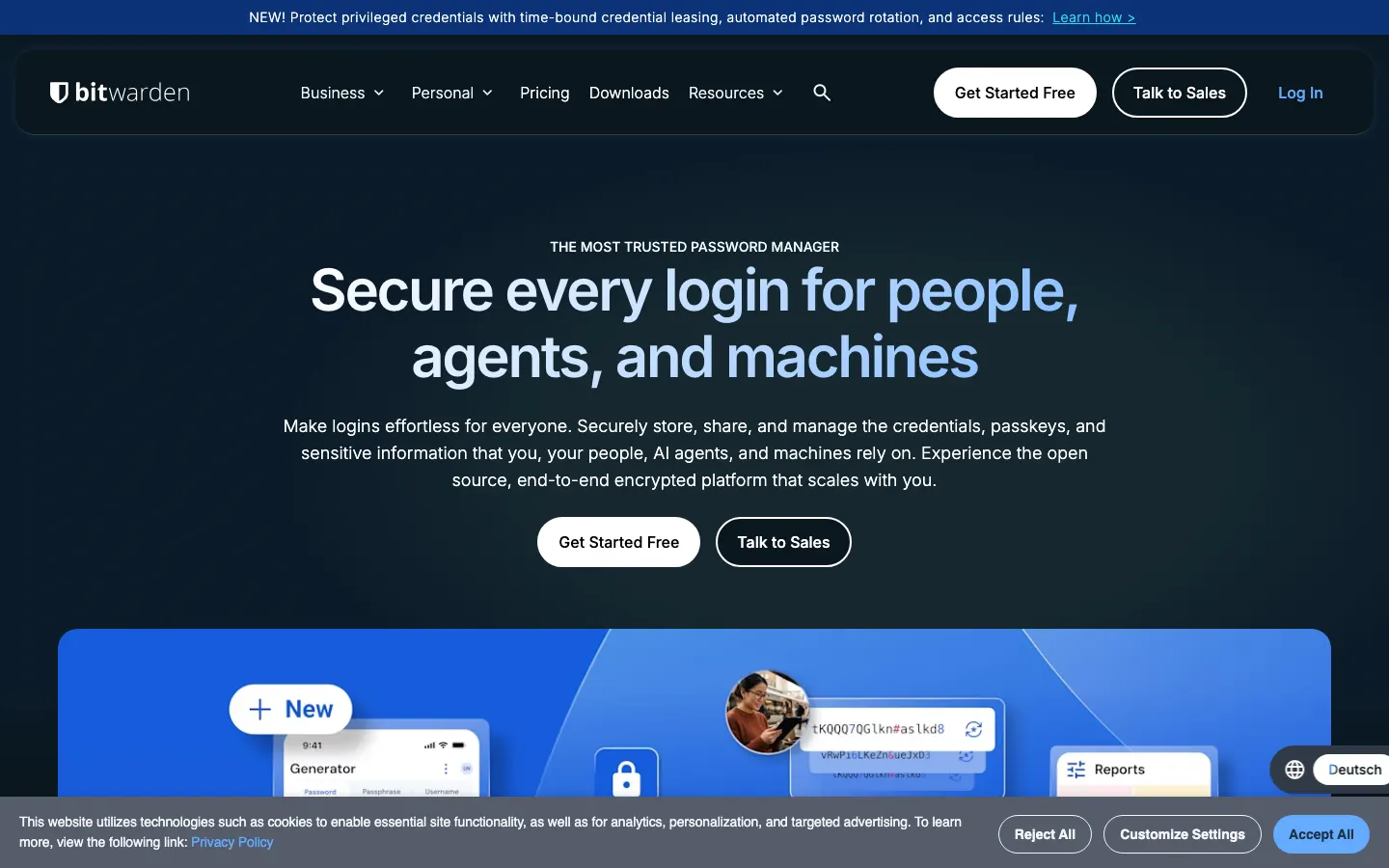
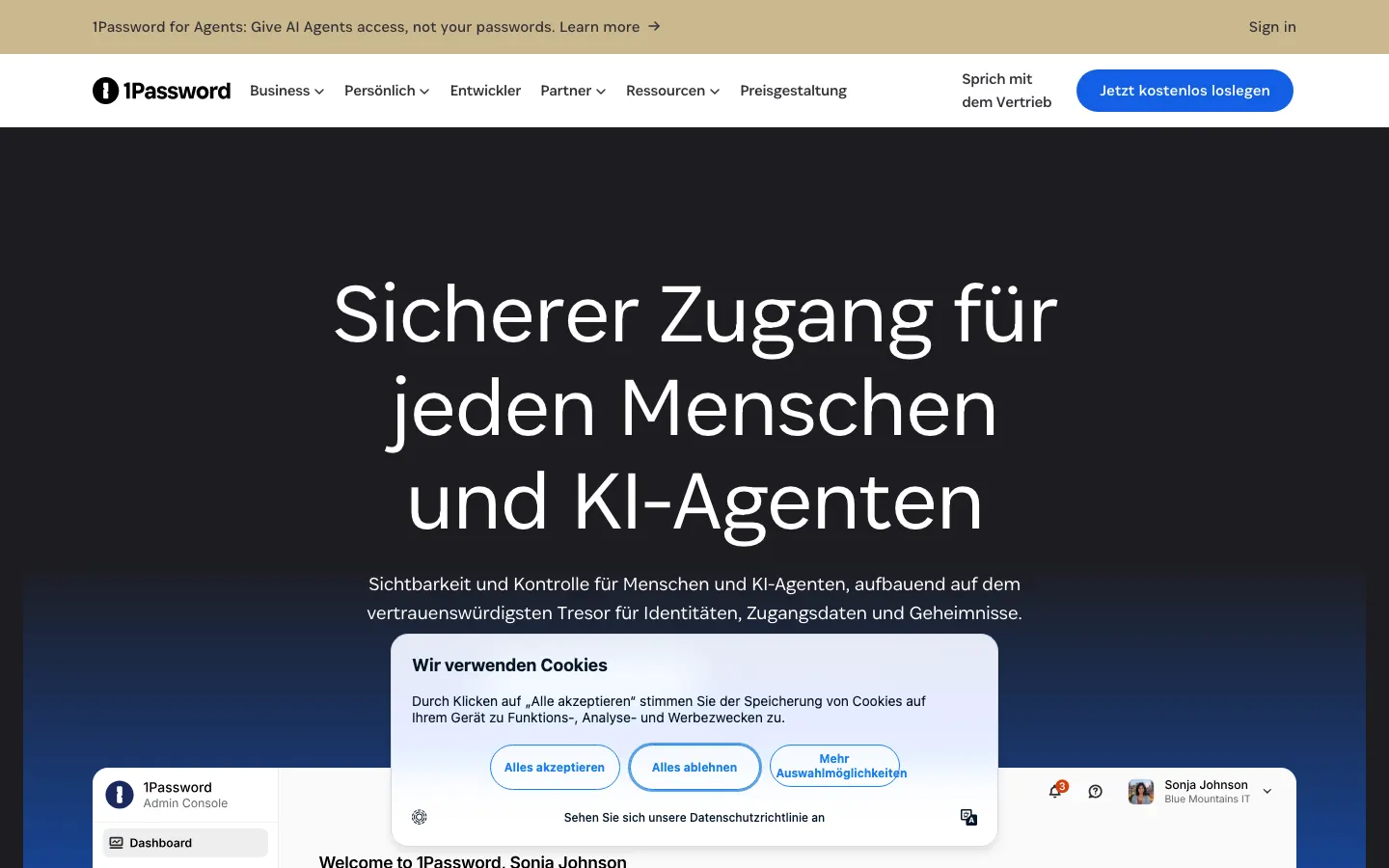
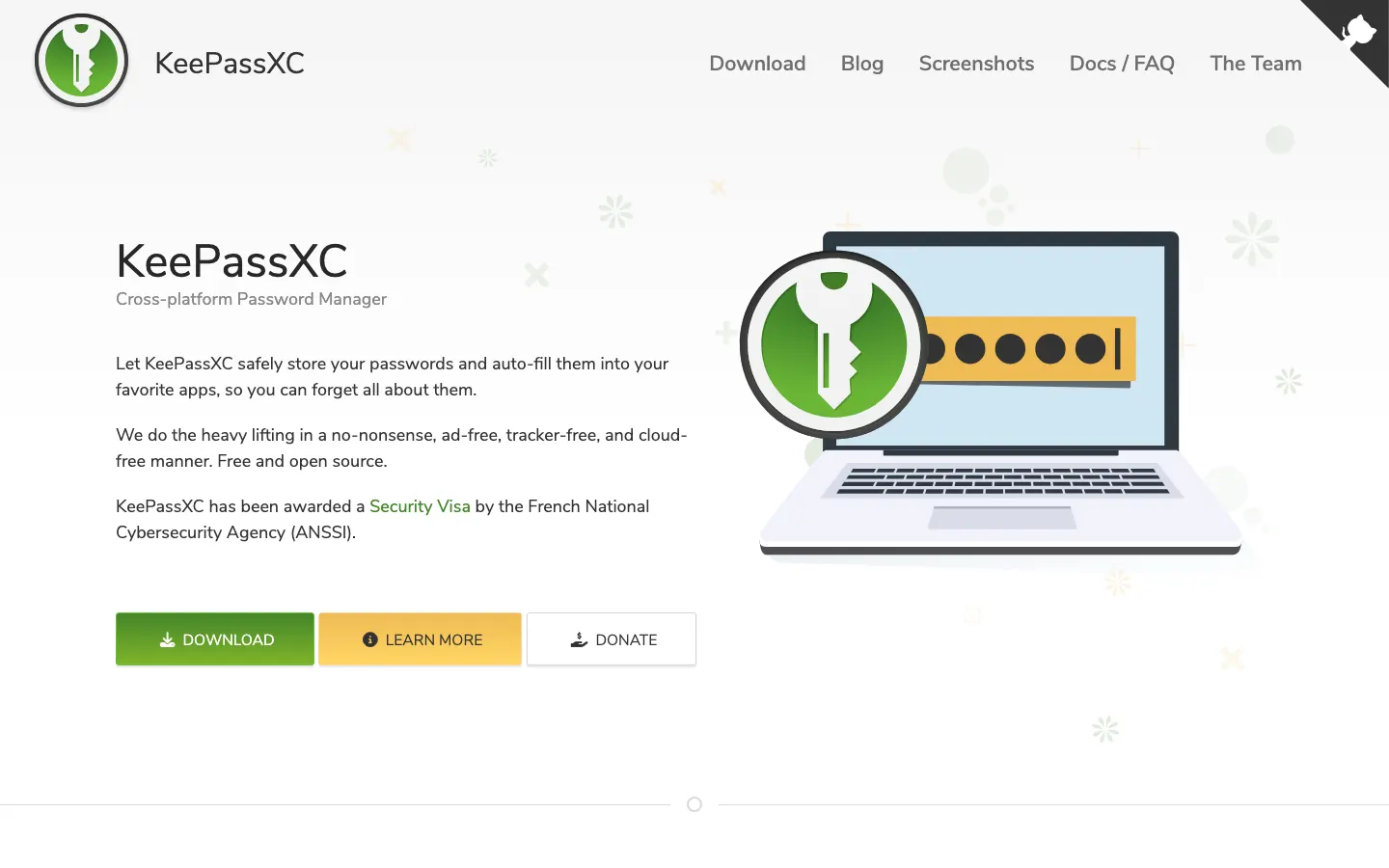
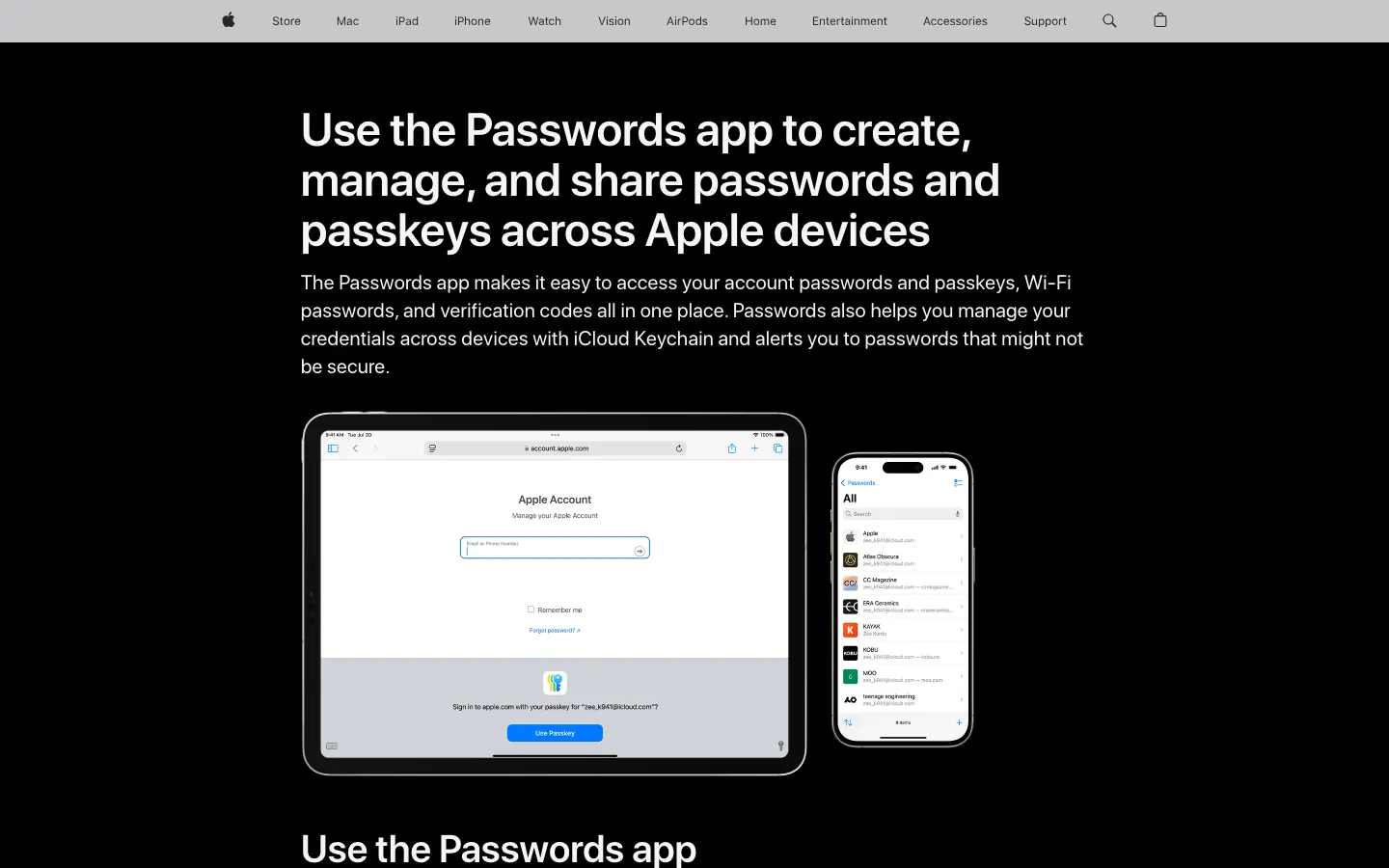
Credential management. Password managers and shared vaults: Bitwarden, Proton Pass, 1Password, Keeper, NordPass, KeePassXC, Apple Passwords. They make every password unique, store it encrypted on your device before upload, and increasingly manage passkeys. Right for every organisation, including one person. Wrong as a substitute for anything else, because the vault protects a secret and not the machine that opens it.
Endpoint protection and patching. Antivirus and detection agents, plus the tools that keep software current. The bottleneck is almost never the detection engine, it is whether patches actually land. And the management tool is itself an attack surface: N-able took hosted N-central offline on 9 November 2026 after a researcher published more than 30 claimed zero-days, then shipped a hotfix covering seven critical CVEs.
Backup and recovery. Copies you can restore, in more than one place, with at least one copy the attacker cannot delete, and a restore you have actually performed. This is the control that turns a ransomware incident into a bad week instead of a closure. Treat an untested backup as no backup.
Identity and access. Multi-factor authentication, single sign-on, hardware keys, conditional access. The work here is less about the product than about coverage: every admin account, every remote access path, no exceptions. Modern account takeovers often skip the password entirely, as 1Password's October 2023 incident showed, where a stolen Okta session cookie reached an IT employee's tenant.
What actually matters when you choose
- Does it remove a class of attack, or just report on it? Prefer tools that eliminate something: unique passwords kill reuse, passkeys kill credential phishing, immutable backups kill extortion leverage. Dashboards that only describe risk come later.
- Zero-knowledge design and documented key derivation. Your vault should be encrypted before it leaves your device, and the vendor should publish how keys are derived. Bitwarden documents PBKDF2-SHA256 at 600 000 iterations or Argon2id, Keeper documents PBKDF2 at 1 000 000, 1Password adds a 128-bit secret key that never leaves your devices.
- Published, dated third-party audits. Not a badge, a report with a firm and a year. Bitwarden and Proton Pass both publish them. A vendor that publishes none is asking for trust it has not earned.
- Hosting region and jurisdiction. Bitwarden offers an EU data region, Proton is in Switzerland, Keeper names regional hosting. For regulated sectors this is a contractual question, not a preference.
- Recovery and succession. What happens when the person with the master password leaves, forgets it or dies. Emergency access, an emergency kit or a family and team organiser has to be configured before you need it, because zero-knowledge means the vendor genuinely cannot help.
- A readable price at your headcount. Several vendors in this market quote only on request, and some advertise a promotional multi-year rate that renews higher. Compute the renewal price, not the first-year price.
- Can it produce evidence? Logs, reports and retention that satisfy a regulator, an insurer or a customer questionnaire. This is what you will be asked for in the 72 hours after an incident.
What does security software cost in 2026?
Password managers publish their prices, so the figures below are real. Read on 11 November 2026, USD as published.
| Product | Published price |
|---|---|
| KeePassXC, Apple Passwords | 0, free and open source, or included with the devices |
| Bitwarden | free plan, Premium 1,65 USD per month, Families 3,99 USD for 6 users |
| Bitwarden Teams, Enterprise | 4 USD and 6 USD per user / month, billed annually |
| Keeper | about 3,30 USD per user / month, 42,99 USD per year |
| 1Password | 3,99 USD per user / month, personal list price |
| Proton Pass Plus | 4,99 USD per month at the renewal rate |
| NordPass | promotional multi-year rate, renews higher |
| Dashlane | no readable list price published |
So credential management costs between nothing and about 6 USD per user per month, and the free tiers at Bitwarden and KeePassXC are genuinely usable. The rest of the stack is priced per device, per gigabyte or per quote, and most vendors in endpoint protection, backup and monitoring publish no figure at all, so we give none. Budget instead by layer: credentials first and cheap, backup second, endpoint third, monitoring last.
The mistakes buyers make
Starting at the top. A company with no password manager and partial multi-factor coverage does not need a monitoring platform, it needs the two cheap controls finished. Buying a promotional multi-year rate and discovering the renewal. Treating a password manager as protection against malware or phishing, which it is not: code running on your machine can read an unlocked vault, and autofill will not stop you pasting a password into a convincing fake. Never testing a restore. Leaving the management and remote access tools unpatched, which is exactly the surface the N-able incident exposed. And reading an audit badge instead of the audit, which has a date and a firm on it.
Europe and Luxembourg specifics
- NIS2 widened who has duties. Directive (EU) 2022/2555 had a transposition deadline of 17 October 2024 and brings medium and large entities in listed sectors into scope, with management accountability and incident reporting on a tight clock: an early warning within 24 hours and a notification within 72. Check your sector and your size rather than assuming you are too small.
- The GDPR clock is separate. A personal data breach goes to the supervisory authority, the CNPD in Luxembourg, within 72 hours of becoming aware of it. That is a different obligation from the NIS2 one and both can apply to the same incident.
- The Cyber Resilience Act is already partly live. In force since 10 December 2024, its reporting obligations started on 11 September 2026, and its main product obligations apply from 11 December 2027. If you sell software or connected hardware into the EU, that is a product deadline. If you buy, ask new suppliers how they intend to meet it.
- Financial entities have their own regime. DORA has applied to financial entities since 17 January 2025, which in Luxembourg means most of the financial centre and its ICT suppliers, with contractual requirements that reach into your vendor list.
- Do not over-rely on the national safety net. ENISA scored the Union at 71.53 out of 100 in its November 2026 report, but national incident response maturity scored 54.76, the weakest sub-score in the set. Your own backup and recovery plan carries more weight than the average suggests.
Questions to ask a security vendor
- Which class of attack does this remove entirely, and which does it only detect?
- Where is your most recent third-party audit, with the firm and the date?
- How are keys derived, and can you read my data if you are compelled to?
- Which hosting region applies, and is it contractual?
- What is the renewal price per user at my headcount, not the promotional one?
- What recovery path exists if the administrator is unavailable?
- Which logs and reports can I export for a regulator or an insurer?
Where to go next
Start with the ranking that scores audits, hosting and price: the best password managers, and the honest boundaries of what a vault protects in are password managers safe. The two most compared products meet in 1Password against Bitwarden. For how fast the patching window has become, read the sshole OpenSSH flaw exploited within hours and N-able taking N-central offline. The regulatory picture is in the ENISA report and the CRA deadline, and the cost of leaked machine credentials in the Railway breach. Vendors can correct us through get listed.
Questions and answers
What security tools does a small business actually need first?
How much does a password manager cost per user?
Are password managers actually safe?
Does NIS2 apply to my company?
How long do I have to report a breach in Luxembourg?
What is the Cyber Resilience Act deadline?
Should I worry about my remote management tool being hacked?
Do passkeys replace password managers?
How often should I test a restore?
Weekly, Thursday morning, Central European Time.
The Thinking briefing
One email a week: what changed in European business software, which prices moved, and which comparison we published. No sales mail.