

Categories
Email and AI inbox tools, explained
Every AI inbox tool sits on top of the mailbox you already have, so the two questions that decide the purchase are who processes the message body and whether you are buying a personal client or a shared inbox.
On this page
What AI inbox tools actually do
An AI inbox tool reads your mail and does three jobs with it: it sorts the queue so the important messages surface first, it drafts replies in something close to your voice, and it answers questions about your own mail history instead of making you search for them. Some add calendar scheduling, snippets and follow-up reminders. None of them changes how your mail is delivered, because they sit on top of the mailbox you already have. That single architectural fact decides both the privacy question and the migration cost, so it is where the buying decision starts.
The four kinds of product in this category
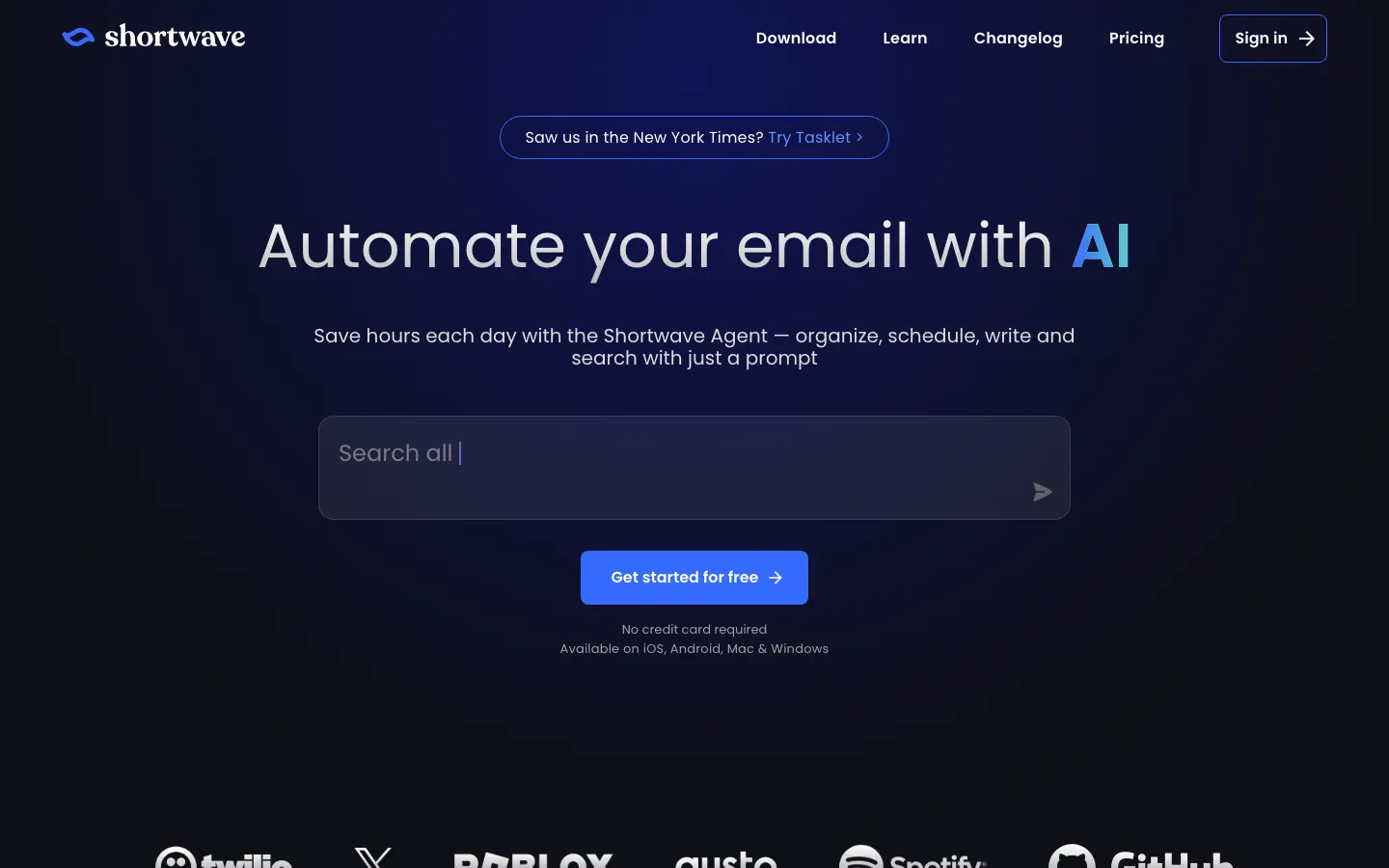
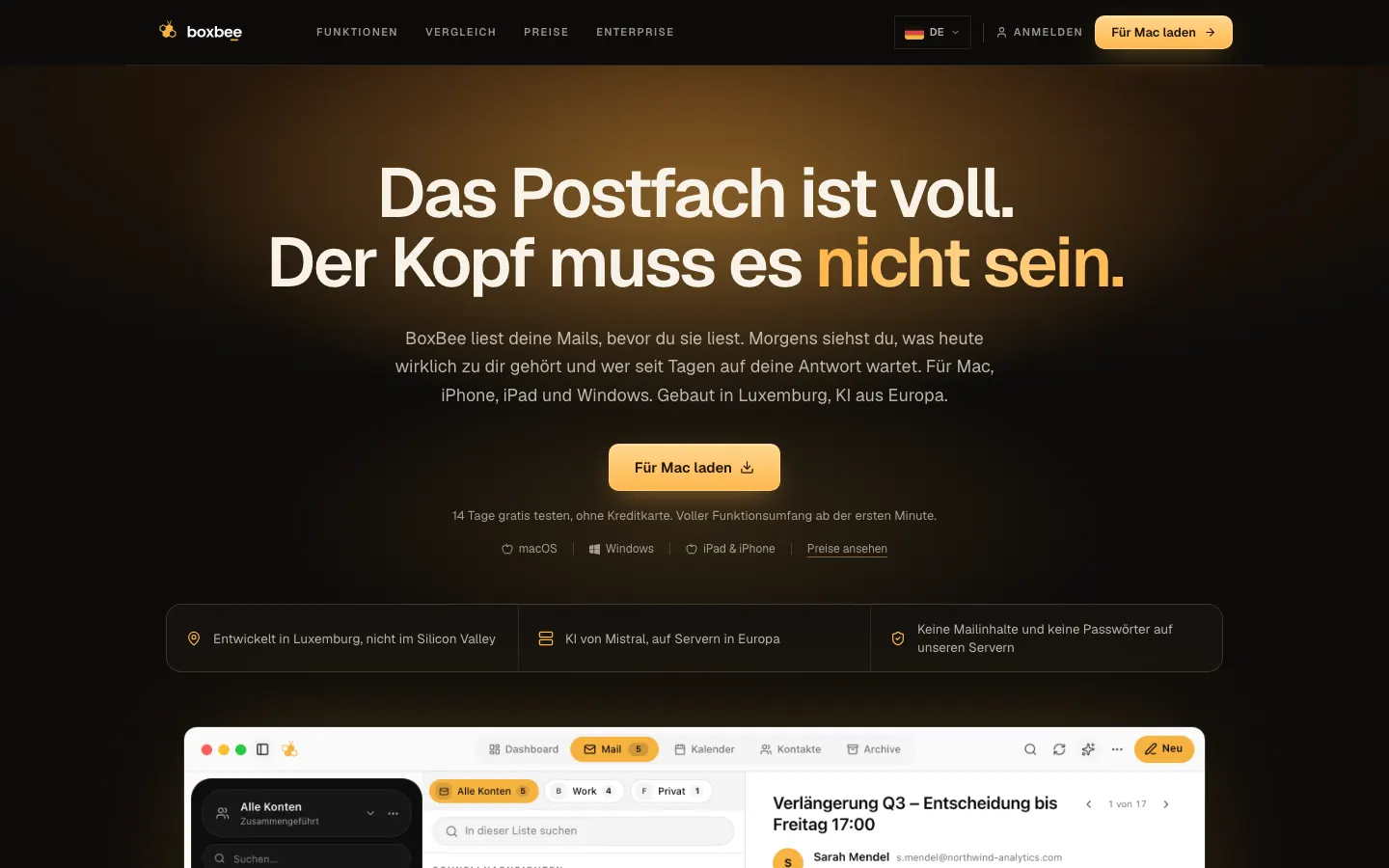
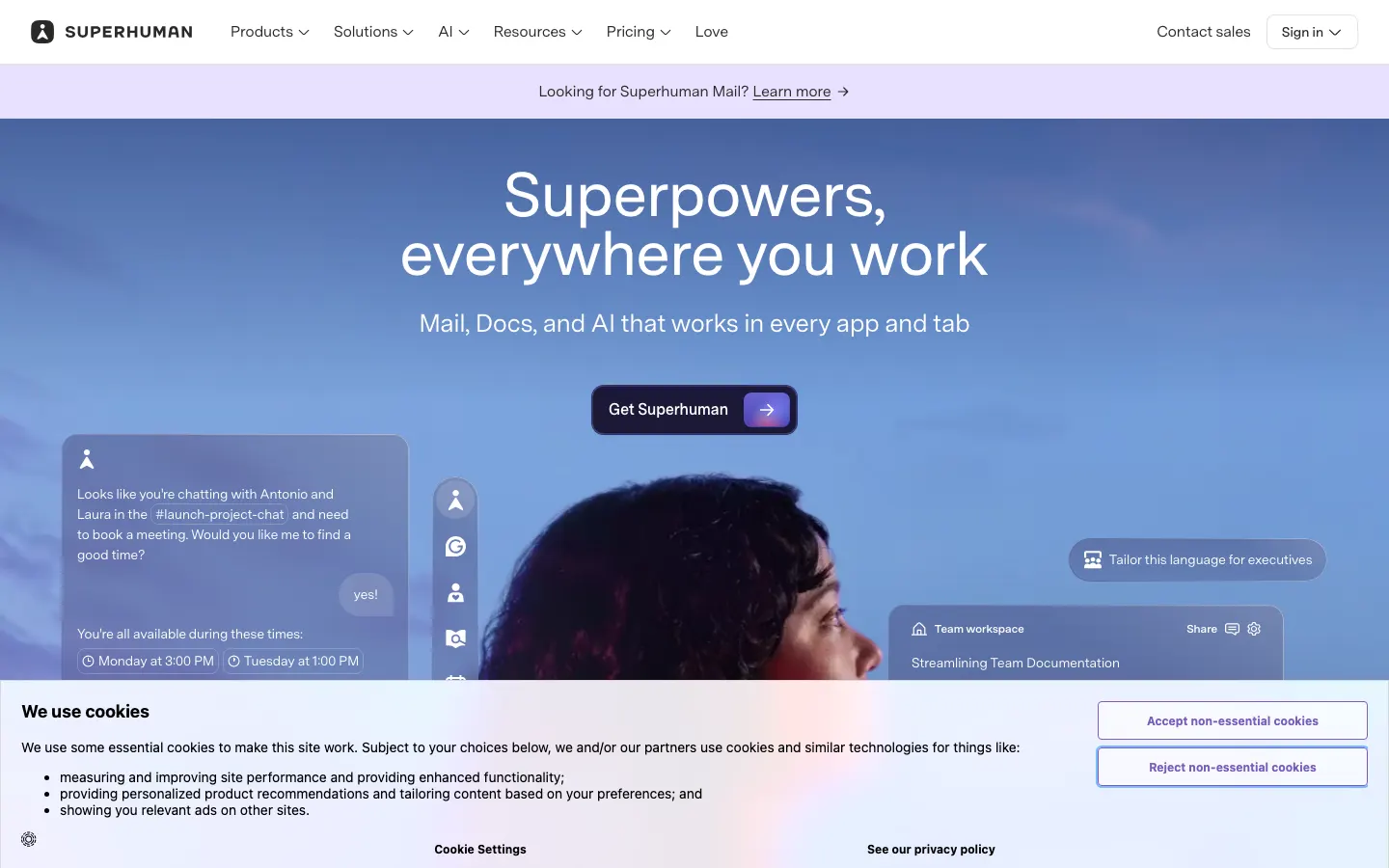
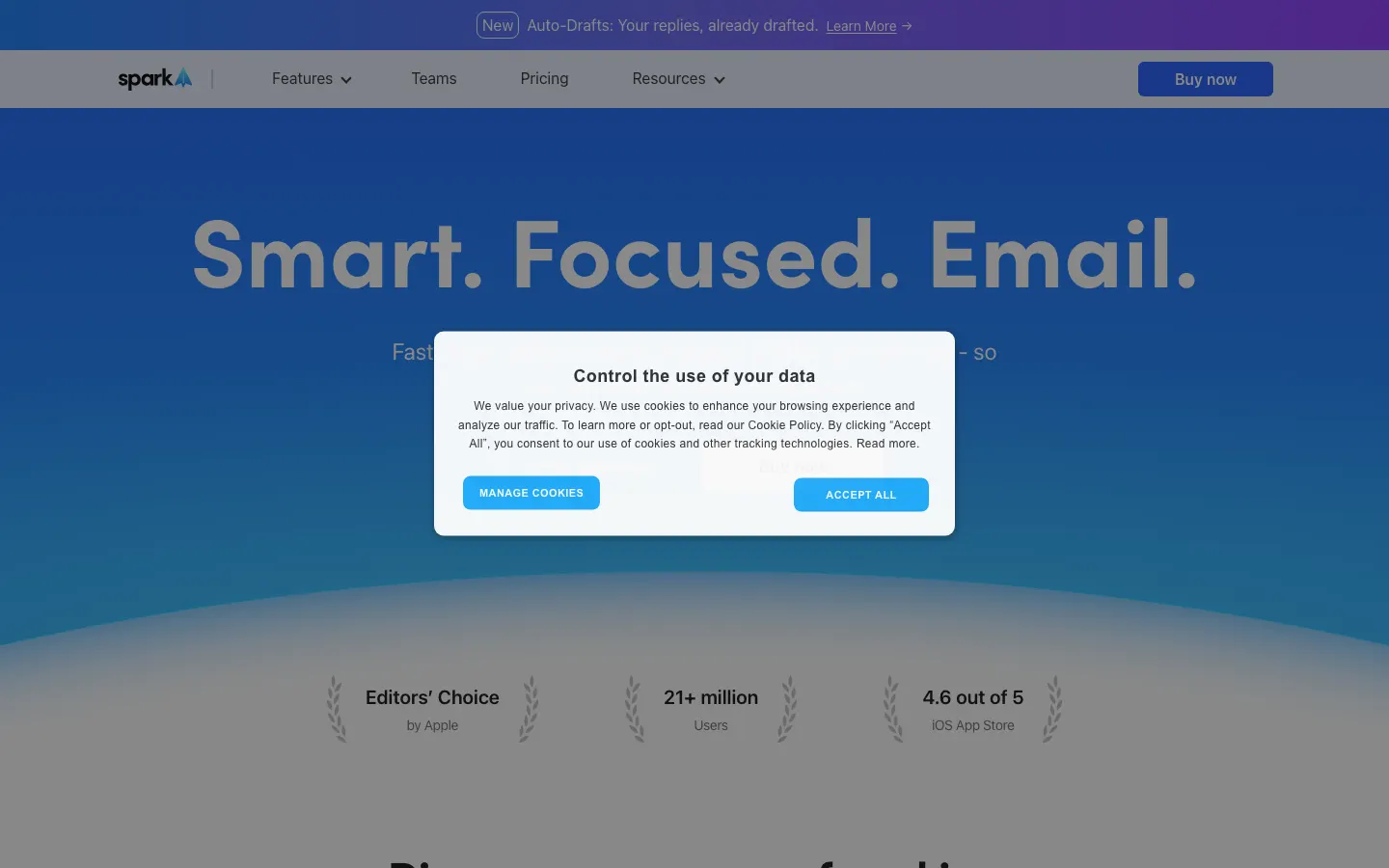
Personal AI clients. Superhuman, Shortwave, Spark, BoxBee. One person, one inbox, optimised for speed: keyboard shortcuts, triage, AI drafts, search over your own history. Right for a founder, a salesperson, a consultant drowning in a personal queue. Wrong for a team, because none of them is a shared inbox.
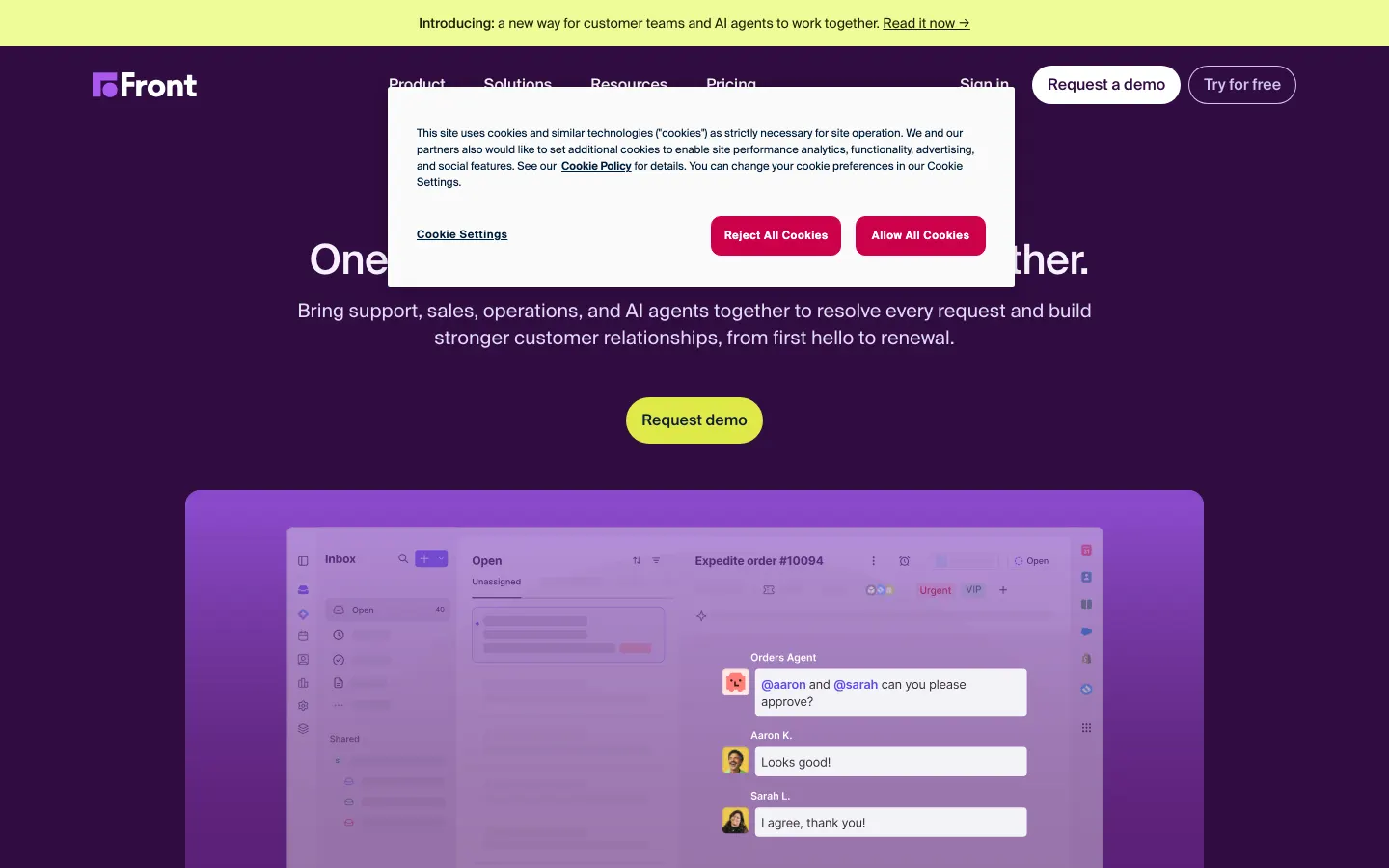
Shared inboxes and team helpdesks. Missive, Front, Hiver, Gmelius. One address worked by several people, with assignment, internal comments on the thread and collision handling so two colleagues do not answer the same customer. Right for support, orders, info@ and any address where the question is who is handling this. Front is the enterprise end, with routing, SLAs and a selectable EU hosting region. Hiver and Gmelius stay inside Gmail, so nobody learns a new client.
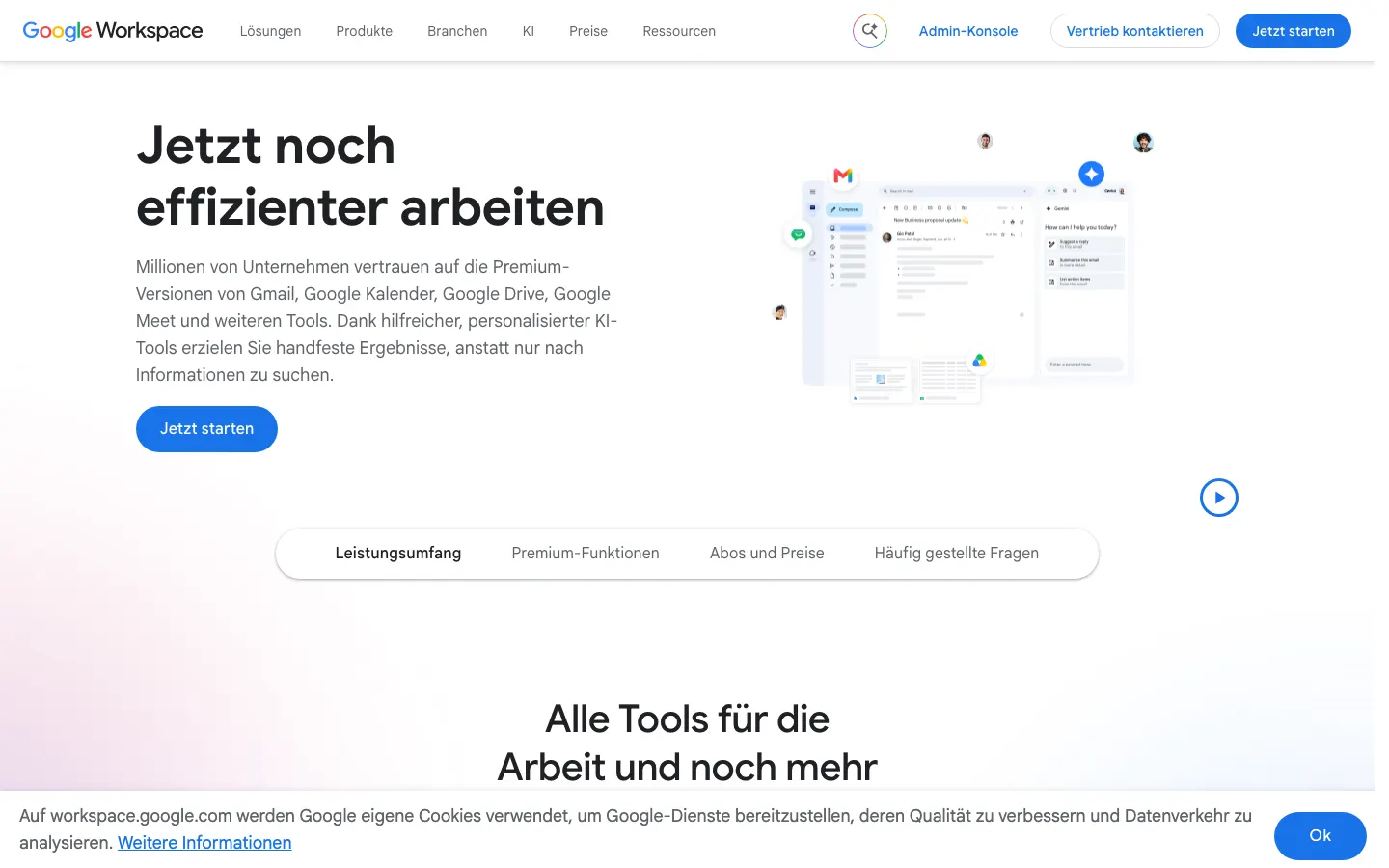
AI layers on the mailbox you already pay for. Fyxer sorts and drafts on an existing Gmail or Outlook account, Gemini is included in Google Workspace Business plans, Copilot sits in Outlook. Right when migration is the main risk and the suite is already bought. The trade-off is depth: these are assistants bolted to a client, not clients designed around an assistant.
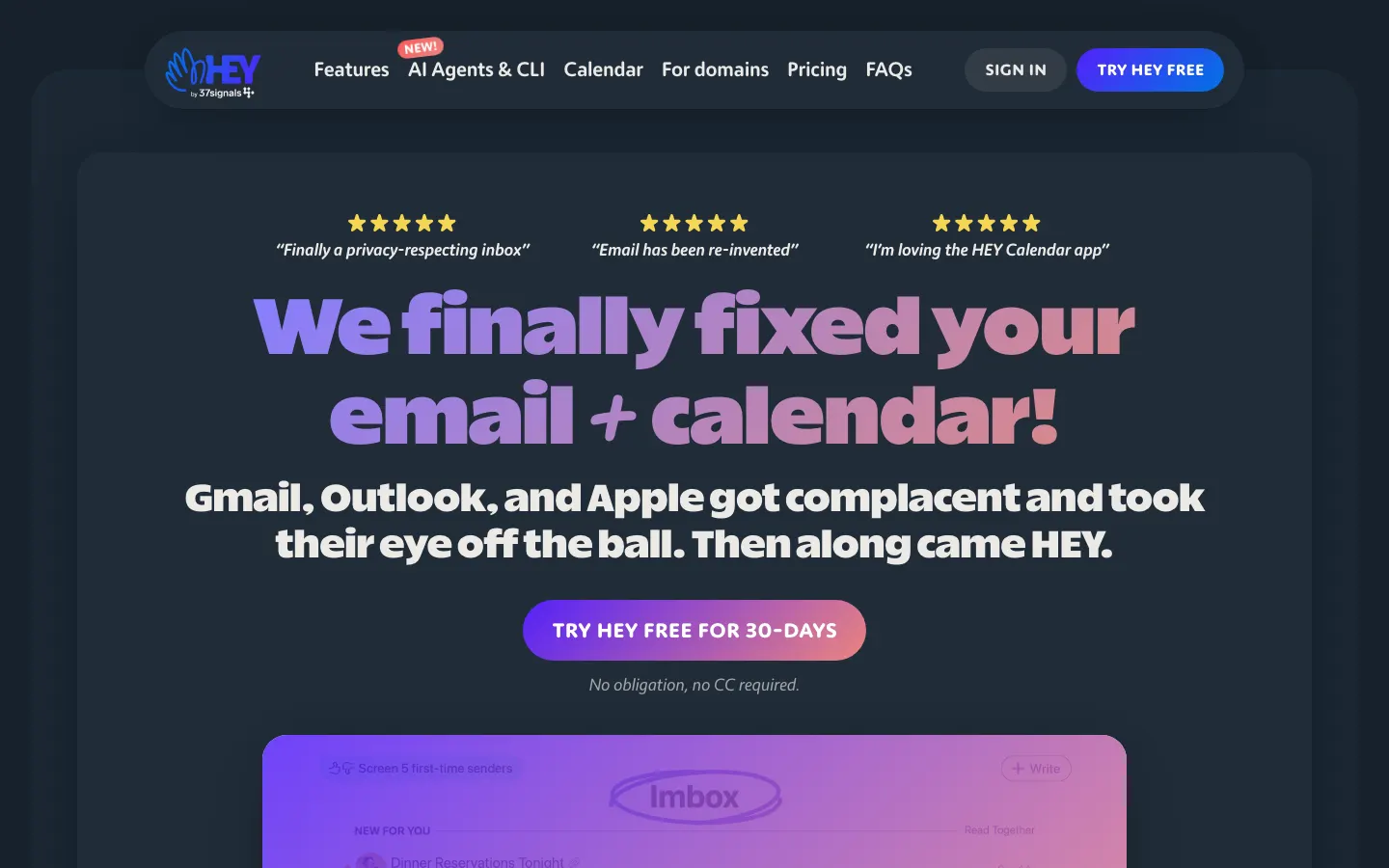
The deliberate opt-out. HEY is a mail provider with an opinionated workflow, a Screener for new senders, and no AI reading your messages at all. Right if the answer to "who processes the body" has to be nobody. Wrong if you want drafting or AI search, because it is not on the menu.
What actually matters when you choose
- Where is the mail body processed, and under which law? Every AI feature means the body, often with attachments, leaves your mailbox and reaches at least one model provider. Ask for the sub-processor list, dated, and check it against the answer you were given.
- Does it work on the mailbox you have? Shortwave is Gmail only. Missive, Spark and BoxBee speak generic IMAP. Hiver needs Gmail for the core product. This is a hard yes or no, and it eliminates products faster than any feature comparison.
- Shared inbox or personal client? These are different purchases and the words are used loosely. A shared plan that only shares administration and billing is not a shared inbox. Ask specifically about assignment, internal comments and collision handling.
- Price per seat including minimum seats. Hiver's entry plan has a two seat minimum, team tiers often start at three, and annual billing is usually the only price shown.
- What the AI is actually for. Triage, drafting, search over history and meeting handling are four different products. Shortwave indexes your whole Gmail history and answers questions about it. Fyxer writes drafts before you open the inbox. Decide which of these you want before comparing prices.
- What happens when the vendor stops. Notion wound its mail client down across web, desktop and iOS on 22 September 2026.
What do AI inbox tools cost in 2026?
Published prices, cheapest paid plan, USD converted at 1 USD = 0,92 EUR, read on 11 November 2026.
| Product | Published entry price |
|---|---|
| Google Workspace Business Starter, Gemini included | 6,80 EUR per user / month |
| HEY | 99 USD per year, about 7,59 EUR per month |
| Spark Plus | 8,25 EUR per user / month, annual |
| BoxBee Solo | 8,99 EUR per user / month |
| Missive Starter | 14 USD per user / month, about 12,88 EUR |
| Gmelius Meli | 19 USD per user / month, about 17,48 EUR |
| Microsoft 365 Business Standard with Copilot | about 21,62 EUR per user / month |
| Front Starter, Hiver Growth, Superhuman Starter | 25 USD per seat / month, about 23 EUR |
| Shortwave Business | 30 USD per seat / month, about 27,60 EUR |
| Fyxer Pro | 37 USD per person / month, about 34,04 EUR |
So the band is roughly 7 to 35 EUR per seat per month, and the two ends are different products: at the bottom you are buying mail with AI included in a suite you already pay for, at the top you are buying a specialised assistant. For a team of three, the minimum seat counts matter more than the per-seat figure.
The mistakes buyers make
Buying a personal speed client to fix a shared inbox problem, which is how a support queue ends up with three people answering the same customer. Reading "EU company" as "EU processing"; a vendor can be domiciled in Europe and still send every message to a US model provider, or publish an impeccable data processing agreement and process everything in Oregon. Trusting a trust badge instead of the dated sub-processor list. Letting the AI send rather than draft. Forgetting that Gmail-only tools are a dead end if you later move to Microsoft. And expecting an AI client to fix deliverability, which belongs to your mail provider and your DNS records, as the two week Outlook.com bounce episode in November 2026 showed.
Europe and Luxembourg specifics
- Article 28 of the GDPR does the work. Your vendor is a processor and its model provider a sub-processor, and you are responsible for both. The contract has to bind them to your instructions, confidentiality, security, breach assistance, deletion at the end and audits. Article 28(2) also requires notice of new sub-processors with a chance to object, which is unverifiable without a published, dated list.
- Transfers out of the EEA need a mechanism. In this market that means the EU-US Data Privacy Framework for certified US entities, or standard contractual clauses, plus your own transfer impact assessment. The shortest route out of that work is not to transfer at all.
- EU hosting is a specific claim, not a mood. Front offers a selectable EU region and ties the AI sub-processor to it. Fyxer hosts in Belgium and the Netherlands. Microsoft commits to the EU Data Boundary for tenants signed up in the EU or EFTA, with stated exceptions. Google's EU data regions are an Enterprise feature. BoxBee, built by the company that publishes this site, keeps bodies on the device and uses Mistral in the EU.
- Professional secrecy. In Luxembourg, lawyers, fiduciaires, healthcare and the financial sector carry duties that go beyond the GDPR. If client correspondence is covered by professional secrecy, sending the body to a model provider is a decision for your compliance officer, not a trial signup. The CNPD is the supervisory authority to read on this.
- Languages. A Luxembourg inbox mixes French, German, English and Portuguese, often inside one thread. Test drafting quality in your second and third language during the trial, not in English only.
Questions to ask an AI mail vendor
- Which company processes the message body and the attachments, in which country?
- Where is the dated sub-processor list, and what notice do I get before it changes?
- Is there a signed DPA I can read before the trial ends?
- Does this work on my mailbox, IMAP included, without a migration?
- Is this a shared inbox with assignment and collision handling, or shared billing?
- What is my bill at my exact seat count, including minimum seats?
- Can I turn off model training and retention, and is that in writing?
Where to go next
The two rankings split by use case: the best AI email clients for one person, and the best AI inbox tools for small teams for a shared address. The privacy work has its own checklist in AI email and the GDPR, and the plain definition is in what does an AI email assistant actually do. Two head to heads apply the criteria: BoxBee against Shortwave and Shortwave against Superhuman. Prices and sources sit on the Missive and Shortwave profiles. Vendors can correct us through get listed.
Disclosure: Thinking is published by TTA Technologies, which also builds BoxBee. Prices above come from vendor pages read on 11 November 2026.
Questions and answers
What is an AI inbox tool?
How much do AI email tools cost per user?
Where does my email actually go when an AI reads it?
What is the difference between a shared inbox and an AI email client?
Is AI email GDPR compliant?
Which AI email tools work without Gmail?
Can an AI email tool improve my deliverability?
Should the AI send replies automatically?
What happens to my mail if the vendor shuts down?
Weekly, Thursday morning, Central European Time.
The Thinking briefing
One email a week: what changed in European business software, which prices moved, and which comparison we published. No sales mail.